Now onboarding our first 50 founding shops in France, Belgium and the UK
  1. Home
  2. Works with your site
Works with your website

Add an online shop to your existing website. One link does it.

To add an online shop to your existing website, you don't rebuild anything. Your Shop tab is a link in your menu that opens your shop, styled in your colours — so any site that can take a menu link can take a shop, whoever built it and wherever it's hosted.

The idea

Your site stays. Your menu gains a tab.

01

We build your shop

Your products, prices and payments, in your colours, hosted by us.

02

You get its link

One web address for your shop. It's the only thing your website needs.

03

The link goes in your menu

Called Shop, Order online or whatever suits you. We add it, or send your web designer a one-line instruction.

04

Customers click and order

They browse, pay by card and get a confirmation. You get the order by email.

Step by step

Adding the link, platform by platform.

Most site builders let you add a custom link to the menu. Menus and button names change from time to time, so take these as a guide — or let us do it for you.

WordPress

In a classic theme, go to Appearance → Menus, add a Custom Link with your shop's address and the label Shop, then save. In a block theme, open the Navigation block in the Site Editor and add a link.

Wix

In the editor's site menu, add a menu item that links to a web address, paste your shop's address, call it Shop and publish.

Squarespace

In Pages, add a Link to your main navigation, paste your shop's address and save.

Webflow

In the Designer, add a nav link to your Navbar, point it at your shop's address, then publish the site.

Jimdo

In your navigation settings, add an item that links to an external web address and paste your shop's link.

GoDaddy and Hostinger

Both site builders let you add a menu item that points to an external link. Paste your shop's address, call it Shop and publish.

Hand-coded sites

Add one line to your menu: <a href="…">Shop</a>. If the menu is repeated in several files, add it to each — or pass the line to whoever maintains the site.

e-monsite, Framer, Webnode and others

If your site builder can add a link to the menu, it works. If it can't, a button on your home page does the job just as well.

Built by an agency, or you can't edit it

Give us access and we'll add the link for you, or we send your web designer a one-line instruction. It's a small change on their side.

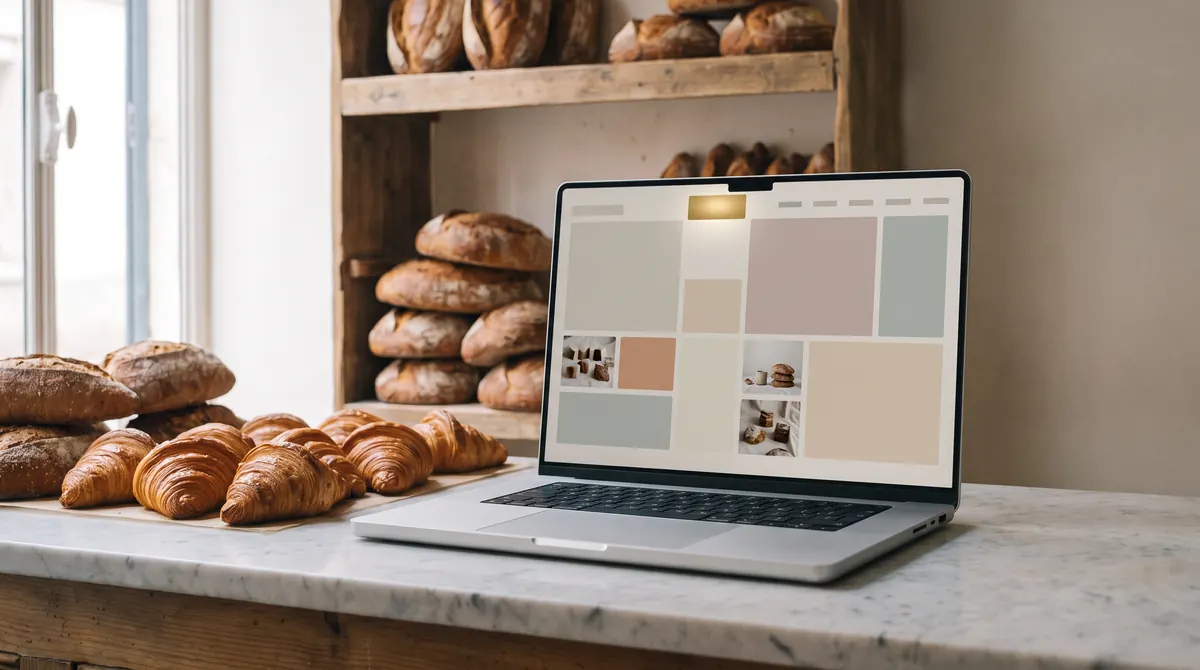
A laptop on a bakery counter showing a small business website with one highlighted tab in its top menu, croissants beside it
Your website stays yours

Nothing moves. Nothing to rebuild.

Your pages, your domain, your host and your contract with them stay exactly as they are. The shop is hosted by us, so adding it doesn't change how your existing site works.

  • No plugin to install, no code to embed
  • No change of host, domain or address
  • Remove the link and your site is exactly as before
Before we start

Four small decisions. We'll help with each.

  • Who edits the menuYou, your web designer, or us with a login you give us.
  • Where the tab goesUsually at the end of the main menu, or as a button in the header.
  • What it's calledShop, Order online, Click & collect — whichever word your customers will look for.
  • Where else to share itThe same link works on your Google Business Profile, your Instagram bio, your Facebook page and in your newsletters.
Questions

About your website

Visit the help centre
Will my website look different?

Only by one link in the menu. The shop it opens is styled in your colours, so going from your site to your shop feels natural.

Is the shop embedded in my pages?

No. The Shop tab is a link that opens your shop, which we host. Nothing is embedded in your pages and nothing needs installing.

My website is old. Does that matter?

Not as long as a link can be added to its menu, or a button to its home page.

My web designer looks after the site. What do I tell them?

Nothing complicated: we send them a one-line instruction — add a link called Shop to the main menu, pointing to your shop's address. That's all.

Can you add the link for me?

Yes. Give us access to your site — ideally a separate user account rather than your own password — and we'll add the link and check it works. You can remove our access afterwards. How we handle access.

Can I put the link anywhere else?

Yes. Your shop's address works anywhere a link does: your Google Business Profile, social media, emails, or a QR code by the till.

Get started

If you can add a link, you can add a shop.

Send us your website address. We aim to reply within one working day with a preview plan, including how the tab will fit your menu.