Why it works for small shops
Most independent shops already do click & collect in some form: by phone, by text message, on a notepad by the till. Moving it online changes three things. Orders arrive written down, with the customer's name, the products and the pickup time, so nothing is misheard. Customers pay when they order, so you are not preparing for people who forget. And you decide the capacity: when a slot is full, it disappears from the list.
It suits almost any trade that sells to people who live or work nearby:
- Bakeries and pâtisseries: weekend bread, viennoiseries by the half-dozen, a cake ordered for a birthday.
- Cheese shops, butchers and delis: platters, special cuts, raclette kits, anything prepared to order.
- Florists: bouquets picked up on the way home, with the card already written.
- Farms: vegetable baskets and meat boxes collected on a set day.
- Wine shops: a mixed case put aside for Friday evening.
The aim is not to replace the counter. It is to move the predictable part of your trade, the orders you could prepare in advance, out of the queue.
Pickup slots: how long, how many
A pickup slot is a window in which the customer agrees to come. Short windows spread customers out; long windows are easier for them. For most shops, 15 or 30 minutes works well. A bakery with a morning rush tends towards 15 minutes; a farm that opens for collection once a week can offer one-hour windows.
Then set a number of orders per slot: how many one person can hand over in that time without the counter queue growing. A labelled bag takes under a minute to hand over; a cheese platter that you check with the customer takes longer. Start low. You can always add places once you have seen a real Saturday.
| Saturday at a bakery (illustrative) | Slot length | Orders per slot |
|---|---|---|
| 7:30–9:00, after the first bake | 15 min | 6 |
| 9:00–11:30, the busiest stretch at the counter | 15 min | 4 |
| 11:30–13:00, lunchtime | 30 min | 8 |
Three rules of thumb:
- Leave a buffer after opening. If the bread comes out at 7:00, start the first slot at 7:30, not at 7:00.
- Offer fewer places when the shop is busiest. Walk-in customers and collections compete for the same person behind the counter.
- Follow your real opening hours. No slot should end after you close, including on bank holidays and on the days you shut early.
Cut-off times that fit your day
A cut-off time is the last moment an order can be placed for a given slot. It should come from your production, not from habit. Ask yourself when you need to know the quantities to prepare them properly:
- Items you have on the shelf anyway, such as bread, standard bouquets or bottles: one or two hours before the slot is usually enough.
- Made-to-order items, such as whole cakes, platters or special cuts: often the evening before, or 48 hours ahead if you order ingredients for them.
- Weekly collections, such as farm baskets or meat boxes: a fixed day, for example Wednesday evening for a Friday pickup.
Show the cut-off next to the product, not only in the small print: ‘Order by Friday 18:00 for Saturday.’ Once customers know it, they plan around it.
Example. A cheese shop taking platter orders could close them on Thursday at noon for Saturday pickup. That leaves Friday to cut, wrap and label, and keeps Saturday morning free for the counter.
Preparing orders
Good preparation is what makes the handover fast. A routine that works in most shops:
- List the orders by slot once the cut-off has passed. Each order email gives you the products, the quantities, the customer's name and the pickup time; print them or copy them onto one sheet.
- Prepare in slot order, earliest first, so a late batch never holds up an early customer.
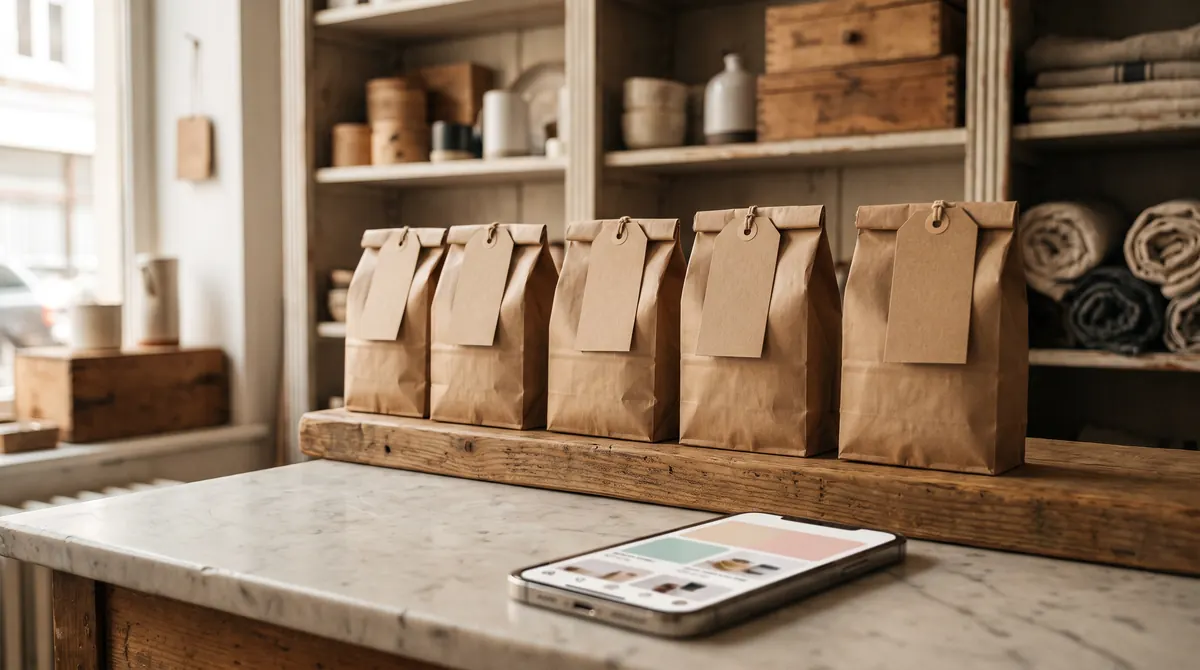
- Label every bag or box with the customer's name, the slot and the order number. A plain kraft tag is enough.
- Keep one collection shelf behind or beside the counter, sorted by slot. Chilled orders go in the fridge with the same label, and a note on the shelf says where they are.
- Tick orders off as they are collected. At closing time you see at a glance who hasn't come.
For fresh products, prepare as close to the slot as you can: viennoiseries in the hour before, flowers wrapped the same morning. For everything else (bottles, jars, gift boxes) the evening before saves your morning.
Fewer no-shows: payment up front
The most effective way to reduce no-shows is simple: take payment when the customer orders. A customer who has paid has a reason to come, and if something does go wrong, you have not lost the cost of what you prepared. It also speeds up the handover, because nobody pays at the till.
Then write a short collection policy and show it before checkout. It should answer three questions:
- How long do you keep an order? For example, until closing time on the day, or until the next day for products that keep.
- Can the customer change or cancel? For example, free changes until the cut-off, by replying to the confirmation email or by phone.
- What happens to fresh products that aren't collected? Say it plainly and apply it fairly.
EU consumer law gives online buyers 14 days to change their mind, but that right does not apply to goods that are liable to deteriorate or expire rapidly (in France, article L221-28 of the Code de la consommation). A clear policy for fresh products is therefore legitimate, as long as customers are told before they order that the right doesn't apply (article L221-5). Most shops still choose goodwill when a regular calls to say they are stuck in traffic: a loaf costs less than a lost customer.
Finally, let the confirmation do the reminding. Make sure it shows the date, the slot and your address, so customers can check it on the day.
Signage and the handover
Customers collecting an order should never have to queue behind someone choosing a cake. Make the collection point obvious:
- A sign at the door or on the counter: ‘Click & collect: pick up here.’ If you have room, use one end of the counter or a small table by the door.
- A card by the till with your web address, or a QR code that opens your shop, so walk-in customers know they can order ahead next time.
- Your web address on everything that leaves the shop: bags, receipts, the blackboard, your Google Business Profile.
At the handover: ask the name, find the tag, check a large order together, say goodbye. Thirty seconds, no till.
The Saturday rush
Saturday is when click & collect proves its worth, or creates a second queue. A few adjustments make the difference:
- Open Friday evening collection for products that keep, such as bottles, jars and gift boxes, so fewer people need a Saturday slot.
- Offer a short Saturday range. Ten best-sellers to pre-order are easier to prepare than your whole range.
- Create bundles for the most common orders, such as a loaf with six croissants, or a cheese board for four. Most bags are then identical and can be packed in advance.
- Put one person on collections during the peak, even for two hours. It keeps the counter moving for everyone else.
- Stop taking phone orders on Saturday morning. Change your voicemail, and answer with your web address: ‘You can order for pickup on our website.’
After a few weekends, look at which slots filled first and adjust the number of places. Click & collect is a schedule, and it gets better every time you tune it. When December comes, the same set-up carries your Christmas pre-orders.
Rather have it set up for you? Add Your Shop adds a Shop tab to the website you already have, with pickup slots, cut-off times and card payment. We build it from your price list and photos, and every order arrives by email. No setup fee, no monthly fee: 2.5% per order, capped at €49 a month. See how it works, or try Maison Calvelle, our fictional demo bakery.